Documentation
Image attachments launch
December 2025
Highlights
- Added support for image attachments so you can provide richer context (UI screenshots, visual layouts, etc.).
- New Excalidraw drawing tool for sketching wireframes and diagrams directly in chat.
- Updated to Base UI 1.0 stable release with improved component APIs.
Image attachments
Upload screenshots, mockups, or any visual reference to give the AI richer context for your requests.
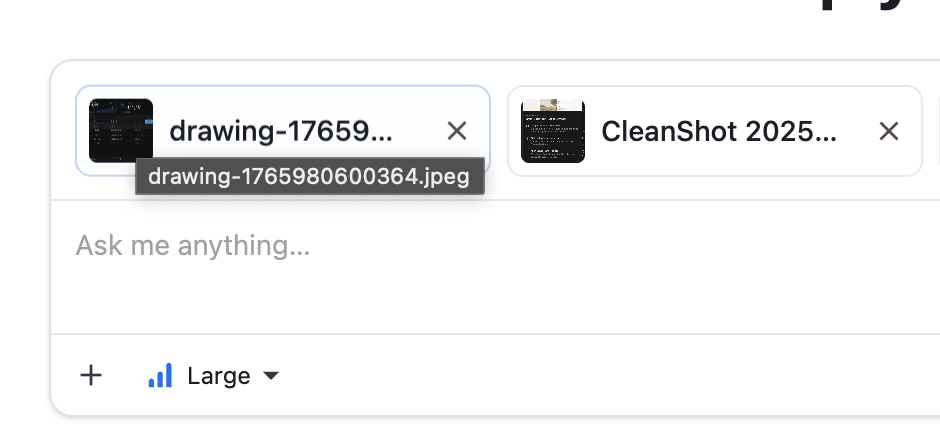
Try it
- Attach a UI screenshot and ask for a faithful implementation using MUI components.
- Share a design mockup and request pixel-perfect styling adjustments.
Excalidraw drawing tool
Sketch your ideas directly in MUI Chat. The new drawing tool includes 70+ pre-built wireframe templates for common UI patterns—dashboards, forms, data tables, charts, and more.
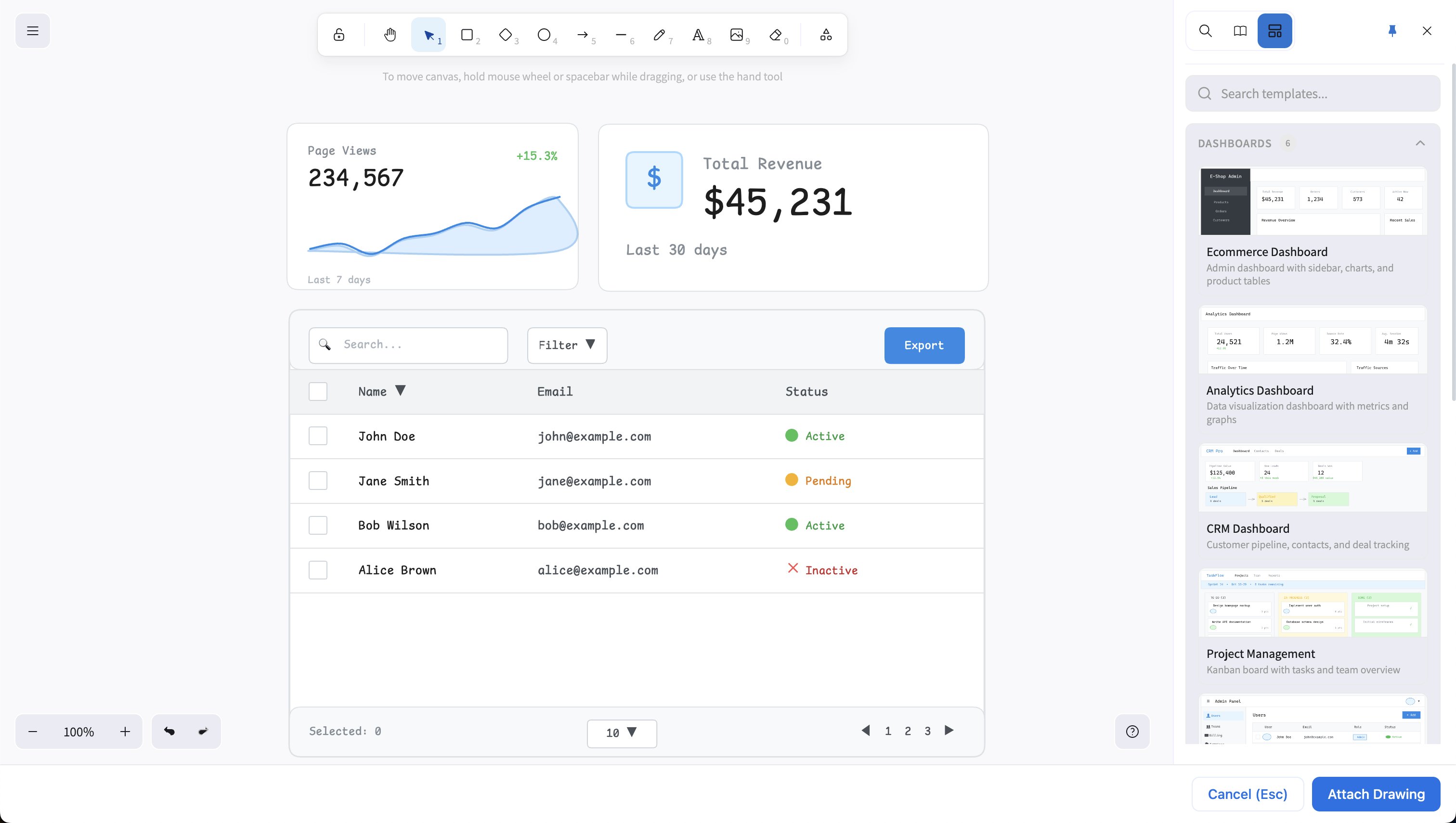
How to use
- Click the + button in the prompt input
- Select "Draw idea"
- Choose a template or start from scratch
- Click "Attach Drawing" to add your sketch to the message
Available templates
- Dashboards: Analytics, CRM, e-commerce, IoT monitoring, SaaS admin
- Forms: Login, signup, settings, multi-step wizards, contact forms
- Data visualization: Tables, charts (line, bar, area, donut), KPI cards
- Navigation: Landing pages, hero sections, pricing pages, footers
- Dialogs & feedback: Confirm, info, form dialogs, loading/error/success states
Base UI 1.0 stable
We've upgraded from the Base UI beta to the stable 1.0 release. The package has been renamed from @base-ui-components/react to @base-ui/react.
This affects code generation—when you ask for unstyled components, the AI now uses the correct stable imports:
// Before (beta)
import { Select } from '@base-ui-components/react/select';

// After (stable 1.0)
import { Select } from '@base-ui/react/select';
What's next
- More drawing templates based on your feedback
- Enhanced image understanding for complex UI patterns
- Continued model quality improvements